
A practical checklist for law firm websites: must-have pages, credibility signals, intake flow, and local SEO basics in Jordan & GCC
Lawyer Website Guide in Jordan & GCC: What to Include for Trust and Consultations is a checklist for lawyers who want a site that helps clients understand your practice fast, trust your expertise, and take the next step (consultation request or message)—without turning the page into a “sales pitch”.
Start with one clear goal
Pick your primary goal:
-
Consultation requests (form)
-
WhatsApp inquiries
-
Phone calls
-
Office visits (Maps)
When the goal is clear, your site becomes simpler and converts better.
Must-have pages for a lawyer website
1) Homepage
Keep it clean and direct:
-
One-line positioning (who you help + what you handle)
-
One primary call-to-action (Request Consultation / WhatsApp)
-
Short “Practice Areas” preview
-
Trust highlights (years of practice, languages, bar membership where appropriate)
2) Practice Areas
Make it scannable—no long walls of text:
-
Family law
-
Corporate / Commercial
-
Real estate
-
Labor
-
Civil litigation
-
Criminal defense
(Use only what you actually offer.)
For each area, add a short unique description:
-
Who it’s for
-
Typical matters you handle (high level)
-
What the client can do next (request consultation)
3) About the Lawyer / Firm
Build credibility without overclaiming:
-
Your background and focus
-
What clients can expect (process, communication standards)
-
Team intro (optional)
-
Languages (Arabic/English)
4) Case Results / Success Stories (Optional, with care)
If you include this, keep it compliant and honest:
-
Avoid guarantees
-
Use anonymized summaries
-
Add a disclaimer (results vary by case)
5) Testimonials (If allowed and available)
Trust increases when feedback is real and specific:
-
Short, authentic reviews
-
Prefer platform-linked reviews (if you have them)
-
Don’t fake or over-edit them
6) Resources / Blog (Highly recommended)
This attracts qualified leads organically:
-
“How the process works” guides
-
Common questions in Jordan & GCC (high level, not legal advice)
-
Updates that affect businesses or families
7) Contact & Location
Make it frictionless:
-
Phone + WhatsApp buttons
-
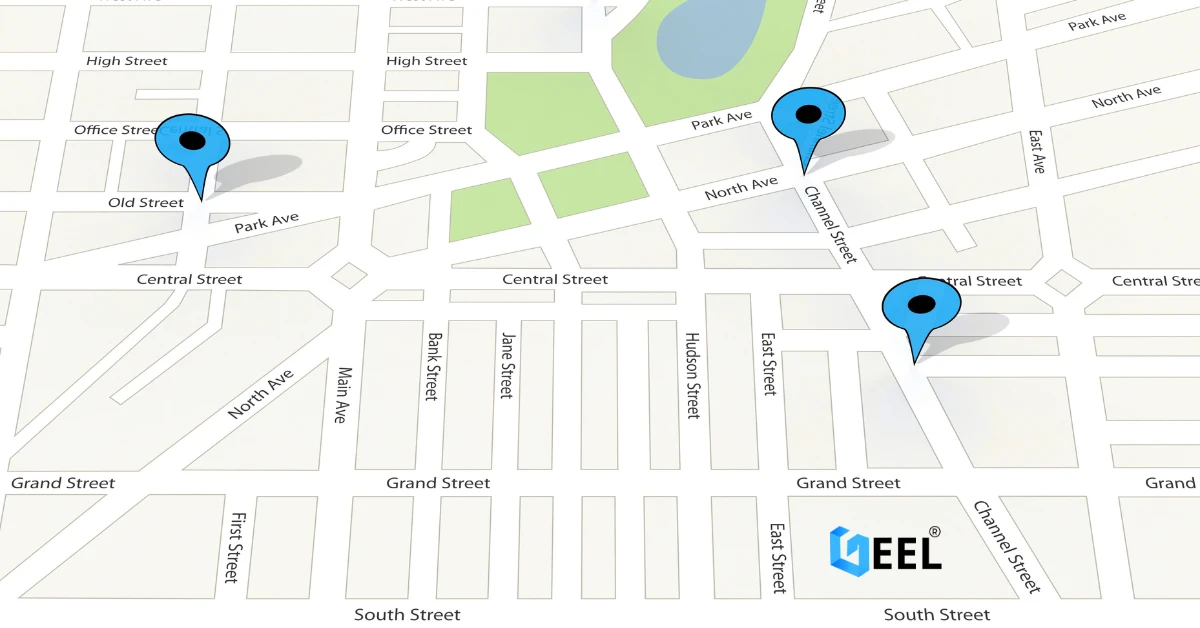
Office address + embedded map For stronger local visibility and easier directions, make sure your Google Business Profile is optimized and your address matches your website.
-
Working hours
-
Short contact form
-
Clear service area (Amman, Riyadh, etc., as relevant)
Trust signals that matter (and what to avoid)
What builds trust
-
Clear identity: full name, firm name, license details (where appropriate)
-
Professional photos (real, consistent)
-
Clear practice scope (avoid “we do everything”)
-
Transparent communication standards (response time, consultation process)
What hurts trust
-
“Best lawyer” or exaggerated claims
-
Stock photos that look fake
-
Long vague paragraphs
-
No location, no hours, no clear next step
Consultation flow that actually works
Keep intake lightweight
A good consultation request form usually needs:
-
Practice area (dropdown)
-
Brief description (1–2 fields max)
-
Preferred contact method (call / WhatsApp / email)
-
Name + phone
-
City (optional)
Add confirmation
After submit:
-
On-screen confirmation message
-
Optional WhatsApp confirmation message
Set expectations
-
“We respond within X business hours.”
-
“This does not create a lawyer-client relationship.”
(Keep it short.)
Local SEO basics for lawyers in Jordan & GCC
Location clarity
-
Consistent firm name, address, phone
-
Map on contact page
-
Mention service area naturally (Amman, Irbid, Riyadh, Jeddah, etc.)
-
Create separate sections for high-intent searches:
-
“Corporate lawyer in Amman” (if relevant)
-
“Family lawyer consultations”
-
“Real estate contracts review”
-
Practice-area pages help ranking
One page per practice area is usually better than one long page.
Avoid copy-paste
Even short unique descriptions per practice area help visibility.
Common mistakes to avoid
-
No clear CTA
-
Heavy images that slow mobile performance—prioritize speed and usability. Mobile-Friendly Website Design can be the difference between a consultation request and a bounce.
-
Hidden contact details
-
One generic “Services” page for everything
-
No trust signals (photos, credentials, process)
Quick checklist before publishing
✅ Fast on mobile
✅ One clear CTA on key pages
✅ Practice areas are scannable and specific
✅ Contact info + hours + map are visible
✅ Consultation form submissions are tracked
✅ Basic legal disclaimers included
Related reading : → Small Business Web Design Services | How to Choose a Domain + Set Up Professional Email